Website Polish Checklist
A priority ordered list of the small things that make a site feel finished, from favicons to empty states.
The Ultimate Priority-Based Guide to Perfecting Your Website
Created using Dall-E
-
Caching: Crucial for performance and repeat visits.
-
Responsive design (mobile, tablet, desktop): Ensure device usability.
-
At least 16px font size for all inputs: Avoid accessibility and usability issues.
-
Test for accessibility (ARIA roles, alt attributes, contrast): Inclusive design is critical.
-
Set accent color: Enhance the user experience with a cohesive visual identity.
-
Prefetching and preloads: Improve perceived performance by loading resources early.
-
Optimize page load speed (use tools like Lighthouse): Faster pages improve user satisfaction and SEO.
-
Reduced motion (respect prefers-reduced-motion): Avoid overwhelming users with animations.
-
Meta theme-color: Customize the browser UI for branding and polish.
-
HTML/body background color: Prevent white flashes during page loads.
-
Validate HTML, CSS, and JavaScript: Catch errors before they impact users.
-
Lazy loading for images and videos: Reduce unnecessary bandwidth usage.
-
Inputs have correct type or inputmode: Improve input usability on touch devices.
-
Focus rings: Ensure keyboard accessibility.
-
Check on Safari: Safari often behaves differently; verify functionality.
-
OG (Open Graph) title, image, description: Vital for sharing links on social platforms.
-
No dead areas around labels/inputs: Prevent usability issues on touch devices.
-
Replace default iOS tap highlight: Make the touch experience cleaner.
-
Selection color: Subtle polish for user experience.
-
Minify CSS, JS, and images: Essential for faster page loads.
-
Favicon and touch icons set: Adds professionalism and polish.
-
Cross-browser compatibility (Chrome, Edge, Firefox): Avoid functionality issues.
-
Verify proper 404 and error pages: Ensure fallback pages are helpful and branded.
-
Text wrapping and ellipsis for long content: Avoid broken UI on smaller screens.
-
Check on low power mode: Test that the app works well under constrained conditions.
Explanation of Priority:
1-5: Critical for usability, accessibility, and basic functionality.
6-15: High-priority enhancements for performance and polished UX.
16-25: Nice-to-have features that add refinement and prevent edge-case issues.
Related reading
 The Developer's Guide to SEOJul 2024
A step by step pass over a portfolio site: metadata, structured data, sitemaps and internal linking.
Engineering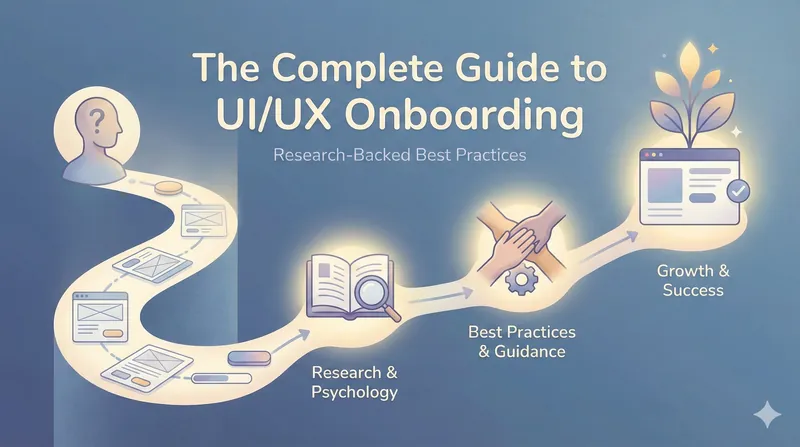 The Complete Guide to UI/UX Onboarding: Research-Backed Best PracticesJan 2026
A deep, structured, research-anchored dive into UI/UX onboarding that synthesizes current best practices, psychology insights, expert research, and real product examples.
Engineering UI/UX Design ResourcesMay 2025
Curated UI/UX resources to save you time and spark inspiration.
Engineering