Postgres Cheatsheet
Common Postgres commands: psql basics, inspection, roles, backups and maintenance.

Cheatsheet containing Postgres Commands you need, Missing Anything? Kindly add a response or comment will add that 😄.
Connect to a PostgreSQL Database
The following command connects to a database under a specific user. After pressing Enter PostgreSQL will ask for the password of the user.
psql -d database -U user -W
Switch the connection to a new database
Once you are connected to a database, you can switch the connection to a new database under a user-specified by user. The previous connection will be closed. If you omit the user parameter, the current user is assumed.
\c dbname username
List available databases
Lists available databases in the current PostgreSQL database server,
\l
Show table definition including indexes, constraints & triggers (psql)
\d TABLE_NAME
Describe a Table
More detailed table definition including description and physical disk size (psql)
\d+
List tables from the current schema (psql)
\dt
List available schema
To list all schemas of the currently connected database, you use the \dn command.
\dn
List available functions
To list available functions in the current database, you use the \df command.
\df
List available views
To list available views in the current database, you use the \dv command.
\dv
List users and their roles
To list all users and their assigned roles, you use \du command:
\du
List tables from all schemas
\dt *.*
List the tables in a specific schema
\dt <name-of-schema>.*
Execute the previous command
If you want to save time, type the previous command again. You can use \g Command to execute the previous command:
\g
Command history
To display command history, you use the \s command.
\s
If you want to save the command history to a file, you need to specify the file name followed the \s command as follows:
\s filename
Execute psql commands from a file
In case you want to execute psql commands from a file, you use \i Command as follows:
\i filename
Export a table as CSV
\copy (SELECT * FROM __table_name__) TO 'file_path_and_name.csv' WITH CSV
Show table indexes (SQL)
SELECT * FROM pg_indexes WHERE tablename='__table_name__' AND
schemaname='__schema_name__';
Analyze a table and store the results in the pg_statistic system catalog (SQL)
ANALYZE [__table__]
Comment on table (SQL)
Comment on table employee is 'Stores employee records';
Comment on column (SQL)
Comment on column employee.ssn is 'Employee Social Security Number';
SELECT reltuples AS card FROM pg_class WHERE relname = '<table_name>';
Check Max Connections [1] [2] [3]
SHOW max_connections;
Get the Current Number of Connections [1]
SELECT sum(numbackends) FROM pg_stat_database;
Explain Code [1] [2] [3]
EXPLAIN SELECT * FROM post LIMIT 50;
Count Total Rows in a Table [1] [2]
SELECT count(*) AS exact_count FROM myschema.mytable;
Get Sizes of all databases [1]
\l+
Get the Size of a Single Database
\l+ <database_name>
Get help on psql commands
To know all available psql commands, you use the \? command.
\?
To get help on specific PostgreSQL statements, you use the \h command.
For example, if you want to know detailed information on ALTER TABLE statement, you use the following command:
\h ALTER TABLE
Switch output options
psql supports some types of output format and allows you to customize how the output is formatted on the fly.
-
\aCommand switches from aligned to non-aligned column output. -
\HCommand formats the output to HTML format.
Quit psql
To quit psql, you use \q the command and press enter to exit psql.
\q
More Reading
Related reading
 The Ultimate SQL CheatsheetMay 2025
A comprehensive guide to essential SQL commands, joins, set operations, and best practices for efficient database querying and management.
Engineering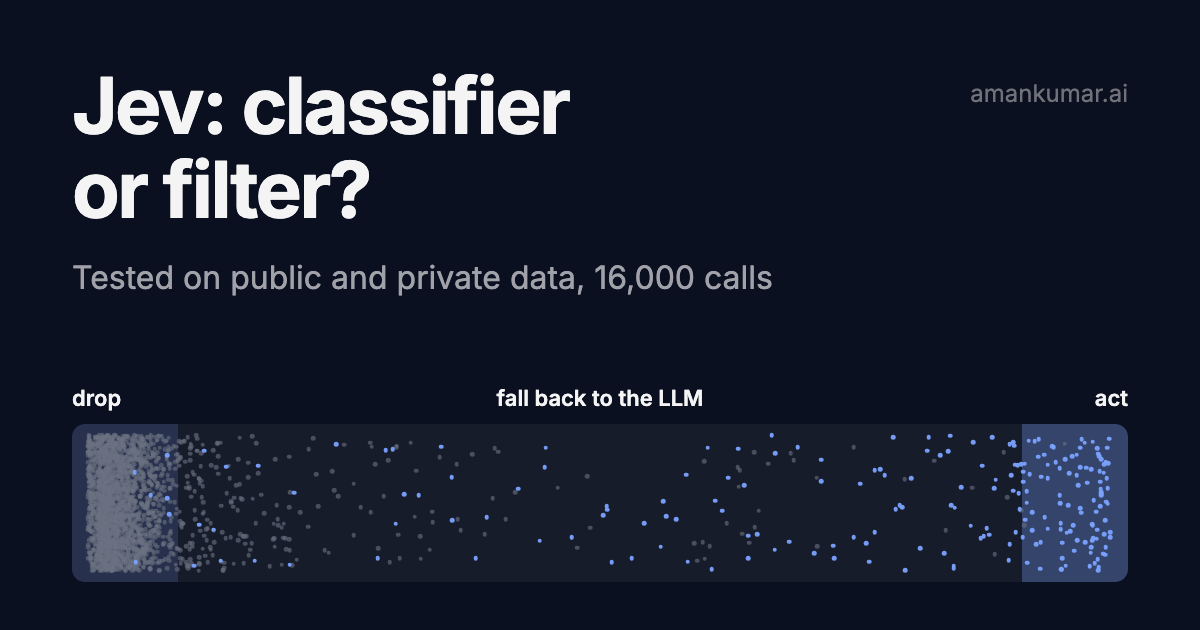 Testing Jev on public and private data: classifier or filter?Sep 2026
Jev only answers yes/no or pick-one. 16,000 calls: against gpt-5.4-mini and gpt-5.6-luna on four public datasets, then on a few thousand real pipeline decisions. Where it wins, where it breaks, how to use it.
Engineering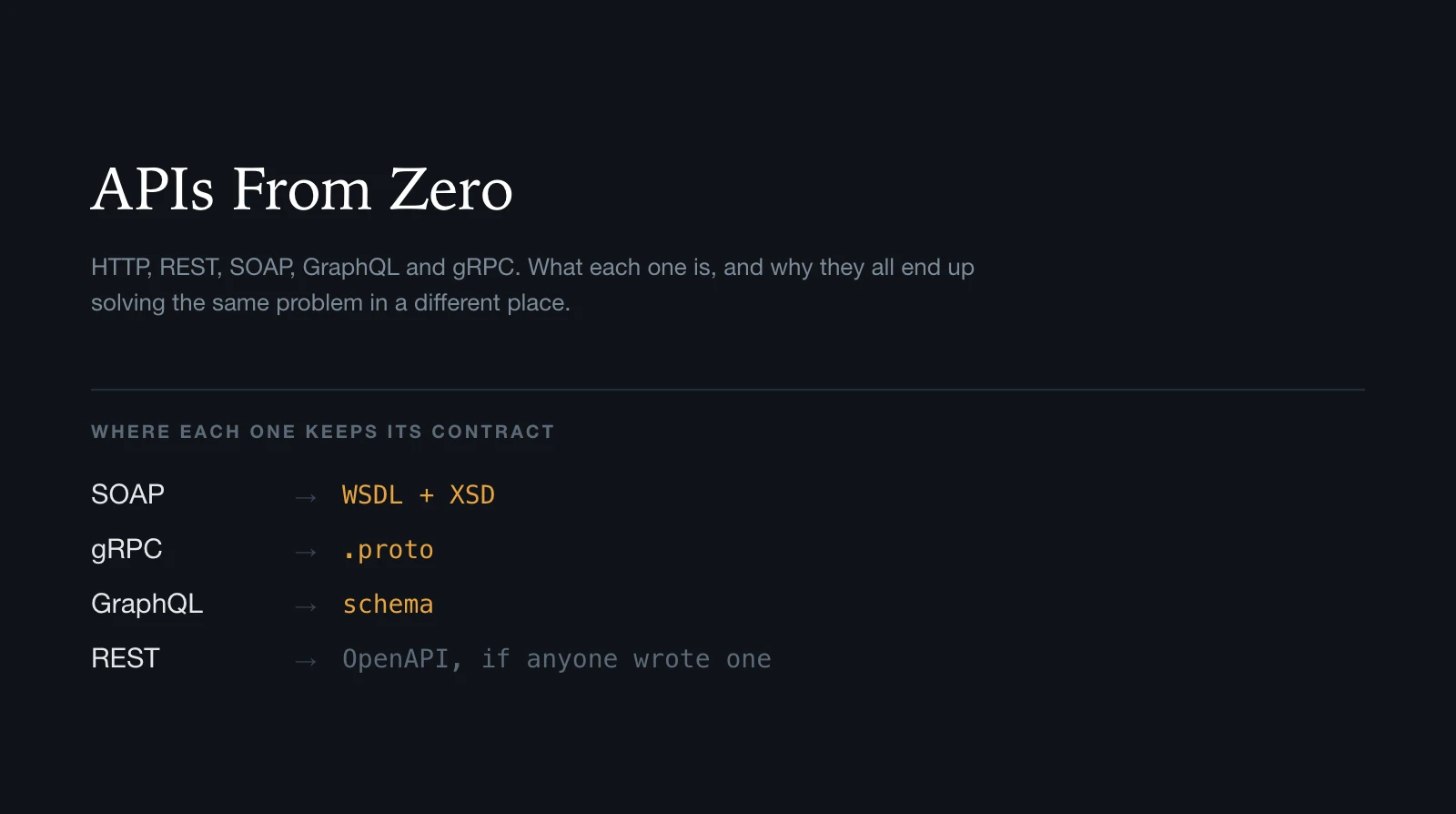 APIs From Zero: HTTP, REST, SOAP, GraphQL and gRPCAug 2026
A ground-up map of HTTP, REST, SOAP, WSDL, XSD, GraphQL, gRPC and WebSockets: what each one is, what it sends, and how it tells you what it can do.
Engineering