Building Agent Skills from Scratch
How agent skills actually work under the hood - discovery, activation, and execution explained with practical implementation insights.
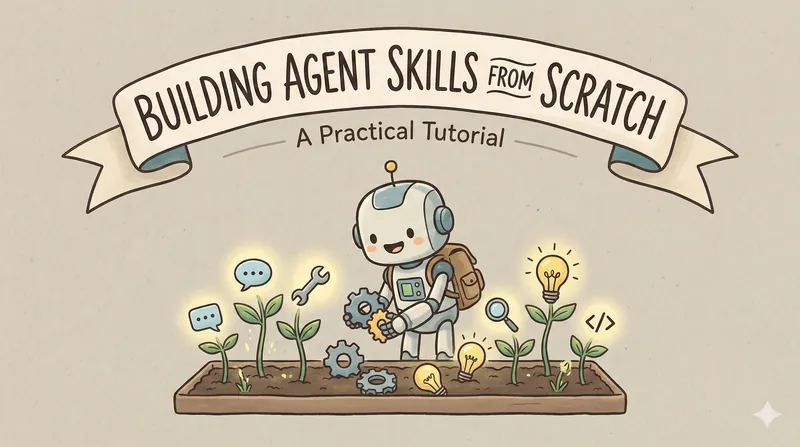
There's a lot written about agent skills, but not much about actually implementing them.
This post shows you how they work and how to integrate them into your existing agent.
View the complete implementation on GitHub
What Are Agent Skills?
Agent skills solve a simple problem: your system prompt gets bloated when you try to make your agent good at everything.
Instead of this:
You're an expert at code review, git, file organization, API testing...
[2000 lines of instructions]
You do this:
You have access to these skills:
- code-review: Reviews code for bugs and security
- git-helper: Git workflows and troubleshooting
- file-organizer: Organizes files intelligently
- api-tester: Tests REST APIs

Load them when needed.
The Core Idea
Skills are markdown files that live in a directory. Each skill has two parts:
- YAML frontmatter with name and description (see this guide on frontmatter if you're new to it)
- Markdown body with detailed instructions
When the agent needs expertise, it loads the relevant skill on the fly.
User: "Review this code for SQL injection"
  ↓
Agent: "I need the code-review skill"
  ↓
System: [Loads SKILL.md with security guidelines]
  ↓
Agent: [Follows those guidelines]
The key insight is that skills are just structured prompts. But they're modular, discoverable, and loaded on demand.
How It Actually Works
Step 1: Discovery
Scan a directory for SKILL.md files and parse their frontmatter. You only load the metadata initially, not the full content. This keeps memory usage low. (See the discovery implementation)
skills/
├── code-review/
│   └── SKILL.md        # name: code-review, description: ...
├── git-helper/
│   └── SKILL.md
During discovery, you extract just the YAML frontmatter (name, description). The full markdown content stays on disk until needed.
Step 2: Tool Registration
Convert each skill into an OpenAI function tool. The LLM sees these as callable functions:
activate_skill_code_review: "Reviews code for bugs, security, best practices"
activate_skill_git_helper: "Git workflows and troubleshooting"
The description is critical because it's what the LLM uses to decide which skill to activate. Be specific and clear.
Step 3: Activation
When the LLM calls a skill function:
- Load the full
SKILL.mdcontent from disk - Add it to the conversation as a tool result
- Let the LLM continue with those instructions
This is lazy loading. You only fetch content when actually needed. If you have 20 skills but only use 2, you've only loaded 2.
Step 4: Execution
The LLM reads the skill instructions and follows them. The skill acts like a temporary system prompt for that specific task. Once the task is done, the skill instructions fade from context (unless you keep them for multi-turn conversations).
What a Skill Looks Like
---
name: code-review
description: Reviews code for bugs, security, and best practices
version: 1.0.0
---
# Code Review Skill
You are an expert code reviewer.
## Check For
1. **Security**
- SQL injection in queries
- XSS in user inputs
- Auth bypasses
2. **Quality**
- Readability
- Maintainability
- DRY violations
3. **Performance**
- N+1 queries
- Memory leaks
- Inefficient algorithms
## Response Format
**Summary**: Brief assessment
**Critical Issues**: Security problems (if any)
**Improvements**: Suggestions for better code
**Positives**: What works well
Notice the structure: clear sections, bullet points, and expected output format. The LLM follows structured instructions much better than prose. (For more on crafting effective prompts, see this guide.)
Why This Pattern Works
1. Context Efficiency
Instead of loading 10KB of instructions upfront, you load 100 bytes of metadata. Full instructions only come in when needed. This matters when you're paying per token.
2. Modularity
Each skill is independent. Add a new one by dropping in a SKILL.md file. No code changes needed. Want to remove a skill? Delete the directory.
3. Clarity
When debugging, you can see exactly which skill was activated and what instructions it provided. This makes troubleshooting much easier than a monolithic prompt.
4. Reusability
Share skills across projects. Someone else's api-tester skill works in your agent with zero modification. Skills become a shared library of expertise.
Key Design Decisions
Lazy Loading
Don't load all skills into memory at startup. This defeats the purpose because you're back to loading everything upfront.
Do load on demand. Parse frontmatter during discovery, but keep full content on disk until the LLM actually requests it.
Function Naming
Prefix skill functions clearly: activate_skill_code_review. This makes it obvious in logs what's happening. When you see activate_skill_* in your logs, you know a skill was activated.
Conversation Flow
The exact sequence matters. Here's what happens:
- User sends message
- LLM responds with tool_calls (requesting a skill)
- Critical: Add assistant message with tool_calls to conversation
- Add tool message with skill content
- LLM continues with skill instructions
- Final response
If you skip step 3, OpenAI will reject your request. The tool_calls must be properly formatted with a type field and nested function object. This is a common gotcha. (See OpenAI's tools documentation for details.)
Looping for Multiple Tool Calls
Skills can chain. A skill might activate code execution, which might need another skill. Your agent should loop until there are no more tool calls:
while True:
response = llm.chat(messages=messages, tools=tools)
if not response["tool_calls"]:
break
handle_tool_calls(response)
Always pass tools in every call, even after skill activation. Otherwise, skills can't use other tools like code execution. (See full implementation for the complete loop logic.)
Practical Considerations
Skill Scope
One skill equals one domain. Keep them focused.
Good examples: code-review, git-helper, api-tester Bad example: developer-tools (too broad)
Skill Structure
Use clear sections with examples:
- What the skill does
- How to approach tasks
- Expected output format
- Examples of good results
A wall of text doesn't work. Structure helps the LLM follow instructions.
Error Handling
What if a skill doesn't exist? Return a helpful error:
"Skill 'xyz' not found. Available: code-review, git-helper"
Common Mistakes & Troubleshooting
Loading Everything Upfront
Some implementations load all skills at startup. This defeats the purpose because you're back to loading everything upfront, wasting memory and context tokens.
Fix: Load metadata only during discovery. Activate skills when needed.
Vague Skill Descriptions
The LLM uses skill descriptions to decide which to activate. Be specific.
❌ "Helps with code" ✅ "Reviews Python/JavaScript code for security vulnerabilities, PEP 8 compliance, and performance issues"
Include what the skill does, what types of tasks it handles, and key capabilities.
Wrong Tool Calls Format
Error: Missing required parameter: messages[1].tool_calls[0].type
Cause: OpenAI requires a specific nested structure. The tool_calls must have a type field and nest the function details under a function key.
Fix: Use the correct format with type: "function" and nested function object. Don't flatten it. See OpenAI's tools documentation for the exact message format.
Forgetting to Include Tools After Skill Activation
Problem: After activating a skill, the LLM can't use other tools like code execution.
Fix: Always pass tools in every LLM call. Don't remove tools after skill activation because skills might need them.
No Structure in Skills
A wall of text doesn't work. Use clear headings, bullet points, code examples, and expected output formats. The LLM follows structured instructions much better than prose.
When Skills Make Sense
Good fit:
- Multi-domain agents that handle code, git, and devops
- Agents with specialized workflows
- Teams sharing common patterns
- When you hit context limits
Not needed:
- Single-purpose agents
- Agents with small, focused prompts
- Prototypes and experiments
Don't over-engineer. If your system prompt is small and manageable, you probably don't need skills.
The Standard
AgentSkills.io defines the open format:
- SKILL.md naming convention
- YAML frontmatter schema
- Directory structure
- Best practices
Following the standard means your skills work with other implementations. Skills become portable across projects and teams.
Building Your First Skill
-
Create the directory:
mkdir -p skills/my-first-skill -
Create SKILL.md with YAML frontmatter and markdown instructions
-
Integrate SkillsManager into your agent (see GitHub repo for full code)
-
Test it by asking your agent to use the skill and verifying it activates
That's it. No code changes needed to add new skills. Just drop in a SKILL.md file.
Bottom Line
Agent skills are structured prompts with a loading mechanism.
The pattern works because:
- It keeps context lean by only loading what you need
- It makes agents modular since skills are independent
- It enables skill reuse so you can share skills across projects
- It simplifies debugging with clear activation logs
You can build a working implementation in an afternoon. The core SkillsManager is about 130 lines of Python. (View the implementation)
Start with one skill. See if it helps. Expand from there.
The complete working implementation is available on GitHub. Use it as a reference or starting point for your own agent.
Resources
- AgentSkills.io - Official specification
- Claude Skills - Anthropic's skill examples
- Open Agent Skills - Community skill library
- Working Implementation - Complete code from this tutorial
- WTF is Frontmatter? - Understanding frontmatter/metadata in markdown files
- Anatomy of a Prompt - Complete guide to crafting effective AI prompts with structured approaches
- OpenAI Function Calling - Official OpenAI tools documentation
Related reading
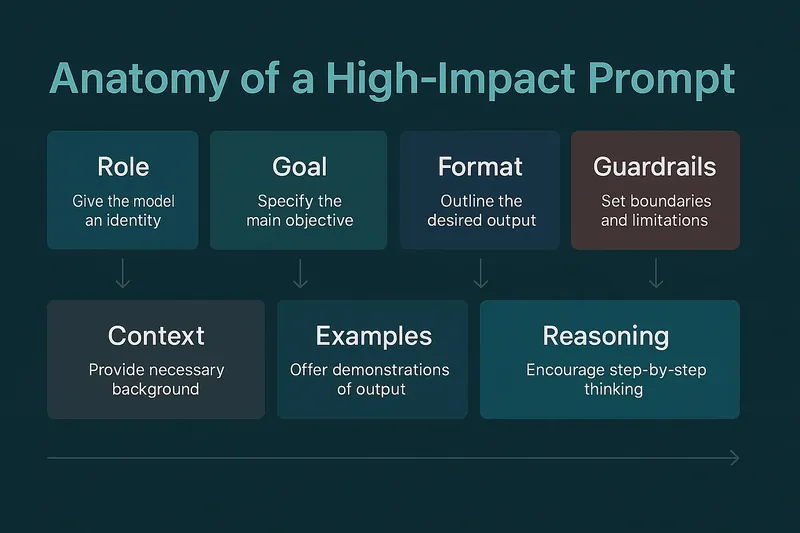 Anatomy of a Prompt: The Complete Guide to Crafting Effective AI & ChatGPT PromptsJul 2025
Master prompt engineering with the seven-layer framework: Role, Goal, Format, Guardrails, Context, Examples, and Reasoning. Learn how to craft prompts that boost accuracy and reduce hallucinations.
AI I Tested 7 Python PDF Extractors So You Don't Have ToJul 2025
PyMuPDF, pdfplumber, Unstructured and four more, run over the same documents to see which holds up.
Engineering ChatGPT GPTs: The Rise of AI Micro-AppsMay 2025
Discover how GPTs are becoming the building blocks of a new AI-native app ecosystem, where to list them, and how to get featured.
AI